How to Add JazzCash and Easypaisa to WooCommerce
JazzCash WooCommerce guide: how to start accepting JazzCash and Easypaisa payments on your store, with plugin options, fees and common setup errors.

I am a WooCommerce developer who builds fast, secure online stores that turn visitors into paying customers. From product pages and checkout to local payment gateways like JazzCash and Easypaisa, every part of your store is built to sell while you sleep, and easy for you to manage.
A complete online store built from scratch on WordPress and WooCommerce, with your branding, categories, product imports, emails and checkout configured so you can start taking orders with confidence.
Product pages designed to convert, with clear photos, variations, size guides, reviews and trust badges. Each layout is built to answer buyer questions and move shoppers toward the cart.
Secure WooCommerce payment gateway setup for Stripe, PayPal, bank transfer and cash on delivery, plus JazzCash and Easypaisa integration for customers in Pakistan, all tested end to end.
Shipping zones, flat or weight-based rates, free shipping thresholds and tax settings configured for the regions you sell to, so customers always see the right total at checkout.
Move your store from Shopify, Wix or an old platform to WooCommerce without losing products, customers, orders or search rankings. Redirects are mapped so old links keep working.
Slow stores lose sales. I trim heavy plugins, optimize images, add caching and clean up the database so your product and checkout pages load quickly on every device.

A buyer who cannot pay the way they want will leave. That is why I set up payment options that match where your customers live. International shoppers can use cards through Stripe or PayPal. Customers in Pakistan can pay with JazzCash, Easypaisa, bank transfer or cash on delivery. Every gateway is connected properly, tested with real transactions in sandbox mode, and linked to order emails, so you know exactly when money arrives and which orders are ready to ship.

Your store should not depend on me for every small change. I build WooCommerce stores with clean structure and a simple admin, so you can add products, update prices, run sales and manage orders on your own. You get a short walkthrough video and written notes for common tasks. When your business grows, the store grows too, with room for more products, new categories, coupons, memberships or wholesale pricing, all without rebuilding from scratch or paying monthly platform fees.
We talk about your products, customers, payment needs and shipping areas, so the store plan matches how your business actually sells and delivers.
I map out categories, product page layouts and the checkout flow, then design key pages for your approval before any building starts.
The store is built on WooCommerce with your products, payment gateways, shipping rules, taxes and order emails set up and connected.
I place test orders with every payment method and device, checking stock, emails, coupons and totals so nothing breaks for real customers.
Your store goes live with speed, security and SEO basics in place. You get training and support so you can manage orders confidently.
I use battle-tested, actively maintained tools so your project stays fast, secure and easy to update.
Every project gets a fixed written quote after a short discovery call. You own the source code and get post-launch support.
Explore live demo stores and projects that show how a well-built WooCommerce site looks, loads and sells. Click through product pages, carts and checkouts to see the experience your customers would get.
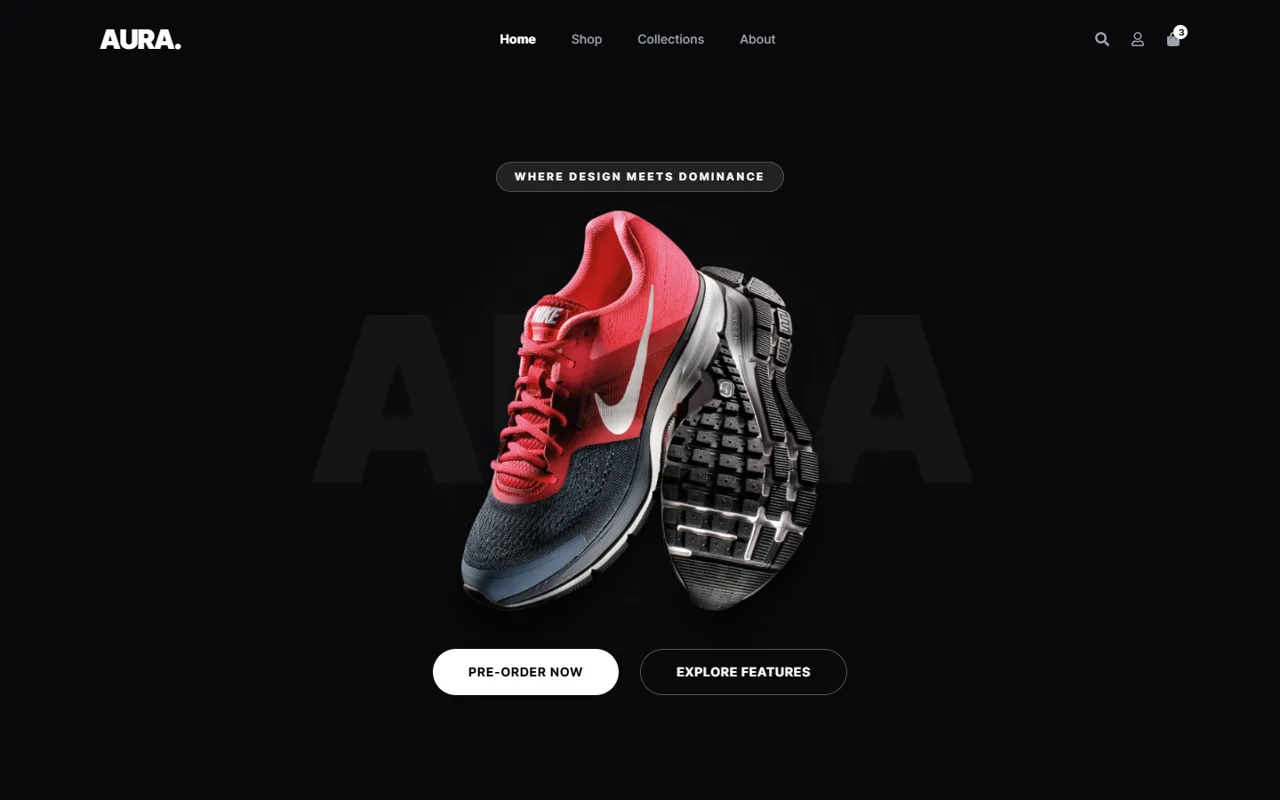
A bold lifestyle store with a full demo shop flow: product gallery, side cart, cart and checkout.
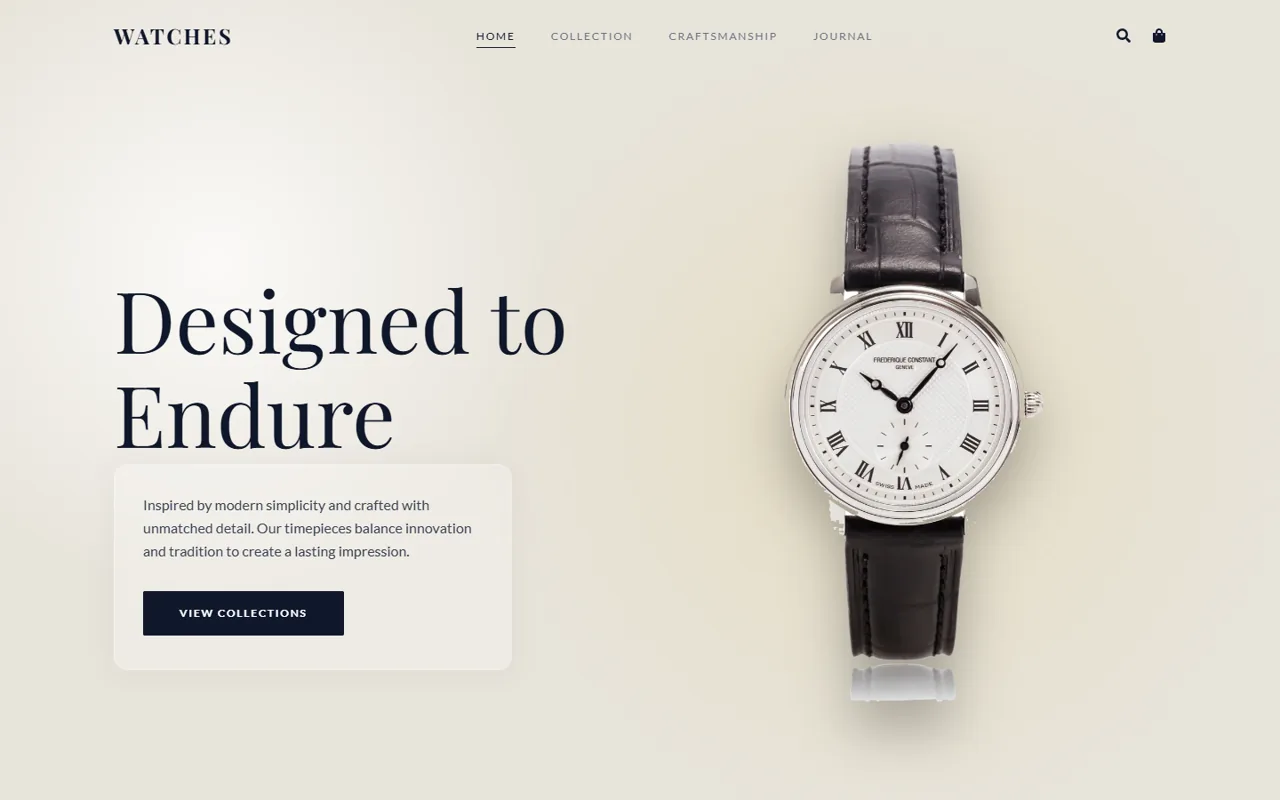
A minimal watch brand with a complete demo store, glassmorphism and parallax typography.
Not ready to talk yet? Start with a plain-English guide on costs, hiring and speed, then reach out when it suits you.
JazzCash WooCommerce guide: how to start accepting JazzCash and Easypaisa payments on your store, with plugin options, fees and common setup errors.
Everything you need to know before we start. Can’t find your answer? Send me a message.
The cost depends on how many products you sell, how custom the design needs to be, which payment gateways you want, and whether you need extras like shipping rules, multiple languages or a migration from another platform. Hosting, domain and any paid plugins also play a part. After a short call about your goals, I send a fixed written quote that lists exactly what is included, so you know the full price before any work begins and there are no surprises later.
Yes. As a WooCommerce developer working with stores in Pakistan, I regularly connect JazzCash and Easypaisa so local customers can pay with their mobile wallets or cards. You will need a merchant account with each provider, and I can guide you through that step. Once your credentials are ready, I install and configure the gateway, test it in sandbox mode, and make sure successful payments update order status automatically and send the right emails.
Yes. I transfer your products, images, variations, categories, customers and past orders from Shopify to WooCommerce. I also set up redirects from your old Shopify URLs to the new ones, which helps protect your search rankings and keeps shared links working. The design can be matched to your current look or refreshed. Moving to WooCommerce means you own your store fully and stop paying monthly platform and transaction fees.
WooCommerce can handle anything from a handful of products to many thousands. What matters most is good hosting, a clean setup and careful plugin choices. For larger catalogs, I use quality hosting, object caching, optimized database queries and smart search and filtering, so customers can still find products quickly. If you plan to grow, I build the store structure with that growth in mind from the start, so you will not need a rebuild later.
Yes. Most online shoppers browse and buy on their phones, so I design every store mobile-first. Product images, menus, filters, cart and checkout are all built and tested on real phone screens. Buttons are easy to tap, forms are short, and pages load quickly even on slower mobile data. A smooth mobile checkout is one of the biggest factors in whether a visitor completes a purchase, so it gets careful attention.
It depends on your needs. Shopify is quick to start but charges monthly fees, limits customization and adds transaction fees on many plans. WooCommerce is free, open source and runs on WordPress, so you own your store and data completely. It offers far more flexibility with design, local payment gateways like JazzCash and Easypaisa, and content for SEO. With a skilled WooCommerce developer handling setup and upkeep, it is often the better long-term choice for growing businesses.
Tell me about your project and get a free consultation, timeline and fixed quote within 24 hours.