Interfaces People Understand at First Glance.
I am a UI UX designer in Pakistan who designs clean, clear screens for websites, apps and dashboards. Every layout starts with what your users need to do, then gets shaped in Figma into a design that looks premium, feels obvious and is ready to build.
- Clean, organized Figma handoff
- User flows mapped before visuals
- Design and development together
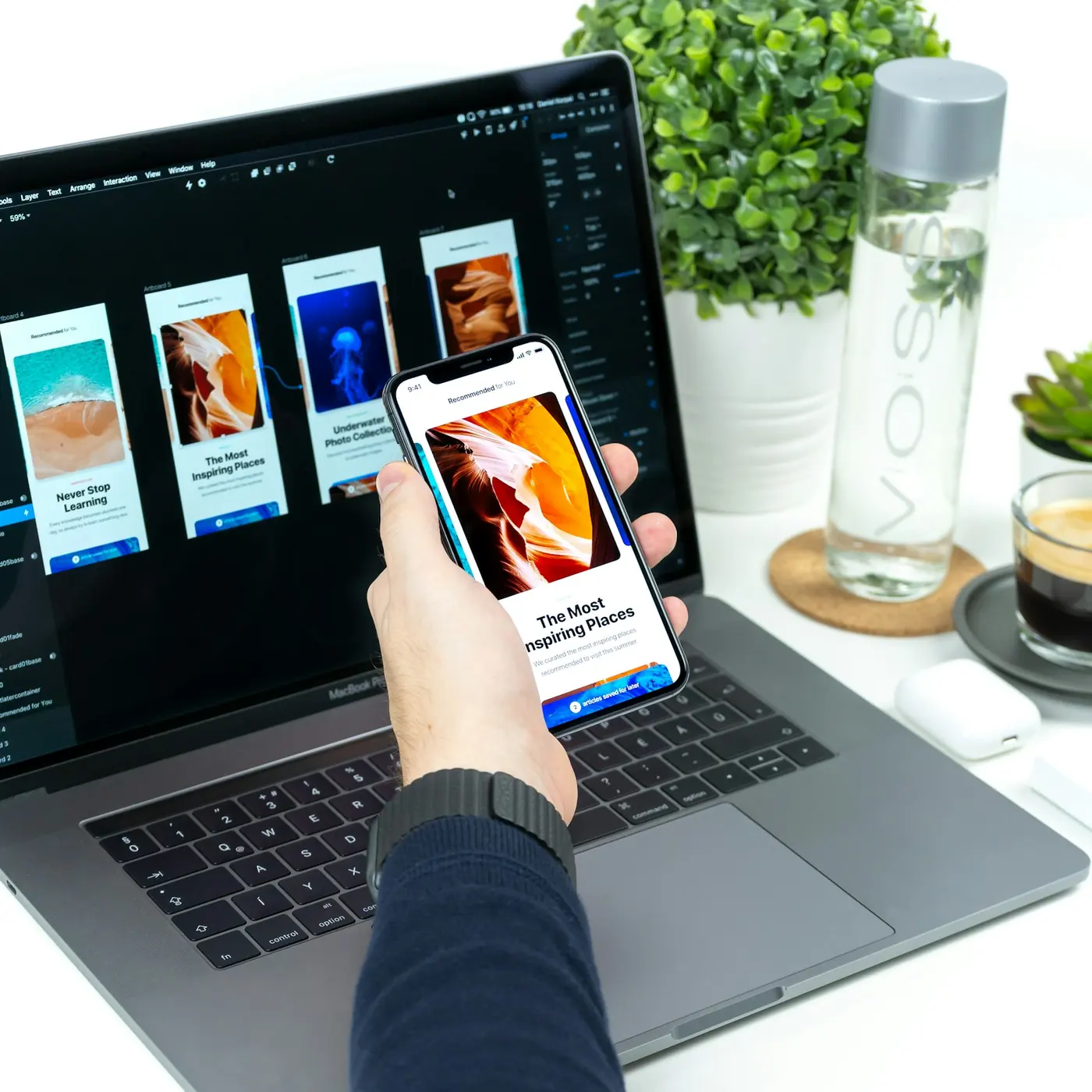
UI UX designer in Pakistan for every screen.
Website UI Design
Landing pages, business sites and online stores designed in Figma with clear hierarchy, strong calls to action and layouts that adapt neatly from desktop down to mobile.
Mobile App UI
App UI design for iOS and Android with thumb-friendly navigation, readable type and consistent components, so your app feels familiar from the very first tap.
Dashboard UX
Admin panels and reporting screens that turn dense data into calm, scannable views. Filters, tables and charts are arranged around the decisions your team makes daily.
Wireframes & Prototypes
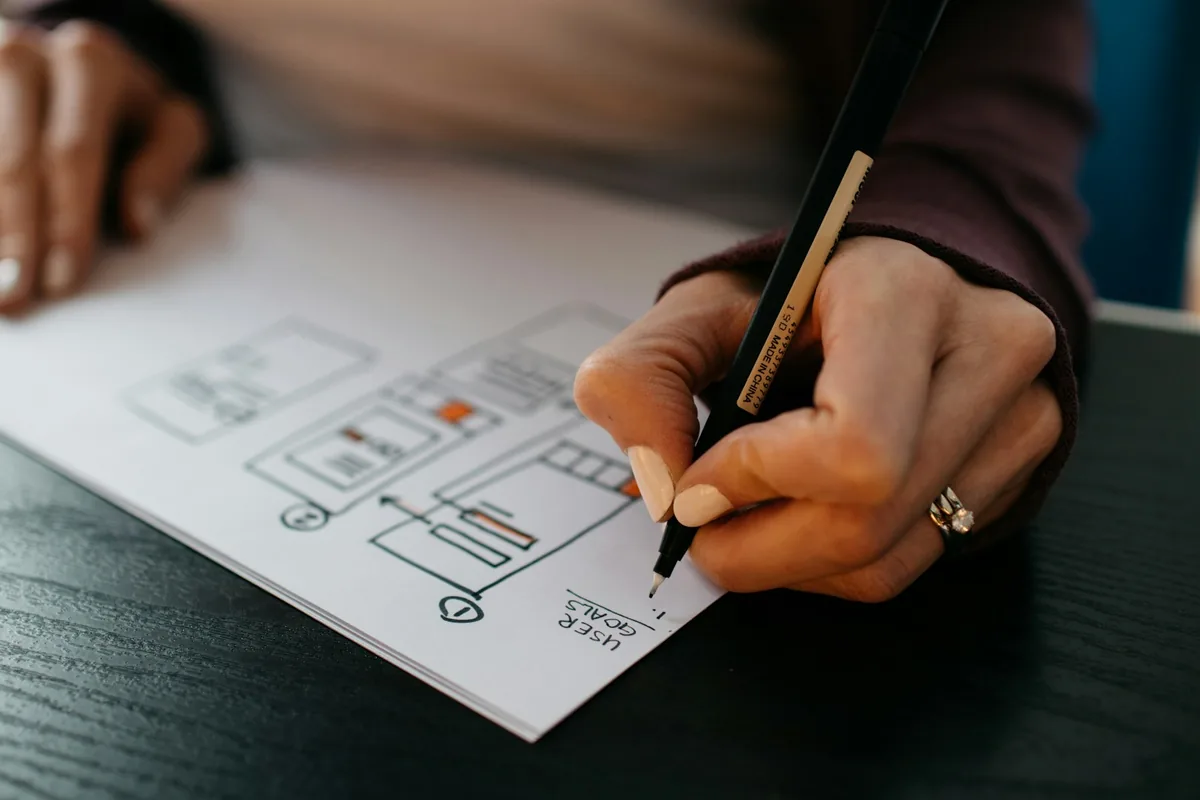
Wireframe and prototype work that tests the structure before any color is added. You click through real flows early, spot gaps and agree on direction fast.
Design Systems
A shared library of colors, type styles, buttons, forms and cards in Figma, with matching design tokens, so every new page stays on brand without extra effort.
UX Audit
A careful review of your current website or app that finds confusing steps, weak buttons and accessibility issues, with a clear, prioritized list of fixes to make next.
Designs that are ready to build.
A beautiful mockup is only useful if it can become a real, fast website. Because I also develop what I design, every Figma website design I deliver uses auto layout, named components and realistic content. Spacing follows a consistent scale, text styles match real web fonts, and each screen has a mobile version. That means fewer surprises during development, a smoother handoff to any developer, and a finished site that looks exactly like the design you approved, down to the hover states.
- Auto layout and reusable components
- Desktop, tablet and mobile frames
- Hover, focus and empty states included
- Developer-friendly naming and tokens
Clear paths, fewer clicks.
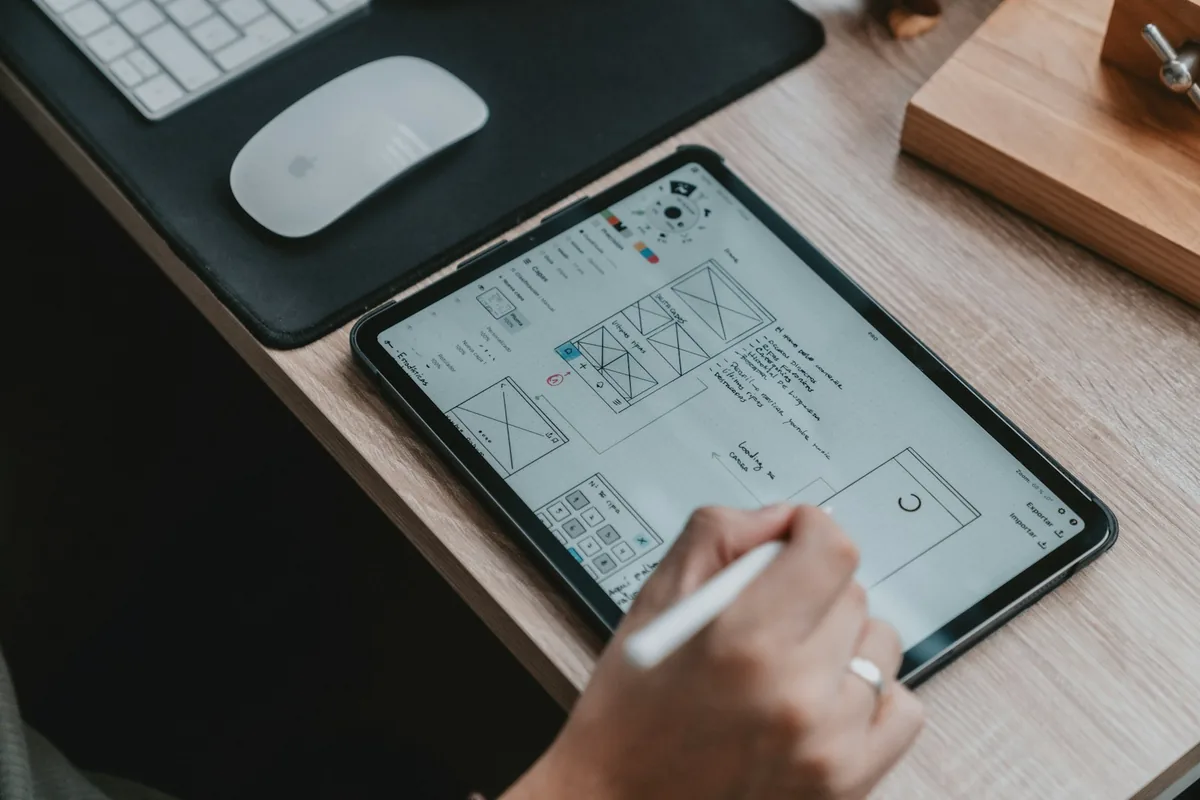
Good UX is mostly invisible. Visitors find what they want, understand what to do next and finish the task without thinking about it. Before choosing colors, I map the key user journeys, sketch low-fidelity wireframes and build a clickable prototype you can test with real people. We fix confusing steps while changes are still cheap. The result is an interface that guides attention to the actions that matter for your business, whether that is a booking, a sign-up or a sale.
- User journeys mapped before visuals
- Low-fidelity wireframes to agree structure
- Clickable prototypes for early testing
- Accessible contrast and readable type
A clear process, zero surprises.
Discover
We talk through your goals, your users and your competitors, then agree on the pages, features and success measures the design needs to support.
Wireframe
I sketch the structure of each key screen in grayscale, focusing on content order, navigation and the main actions before any styling begins.
Design
The approved wireframes become polished Figma screens with your brand colors, typography, imagery and a small component library that keeps everything consistent.
Prototype
Screens are linked into a clickable prototype so you can test real flows on desktop and phone, share it with your team and request changes.
Handoff
You receive organized Figma files, design tokens and exported assets, ready for my development service or for any developer you choose to work with.
Modern tools, proven results.
I use battle-tested, actively maintained tools so your project stays fast, secure and easy to update.
Simple, transparent packages.
Every project gets a fixed written quote after a short discovery call. You own the source code and get post-launch support.
Starter UI
- Discovery call and short brief
- Wireframe for each key page
- Desktop and mobile designs in Figma
- Basic style guide
- Two revision rounds
Full Product UX
- User flows and full wireframes
- High-fidelity Figma screens
- Clickable prototype
- Reusable component library
- Design tokens and developer handoff
Design + Build
- Everything in Full Product UX
- Development in WordPress, Elementor or Flutter
- Responsive testing on real devices
- Speed and SEO basics
- Post-launch support
See it live.
Browse live demos I designed and built, from business websites to app-style interfaces. Each one shows how a clear Figma design becomes a fast, responsive product people enjoy using.
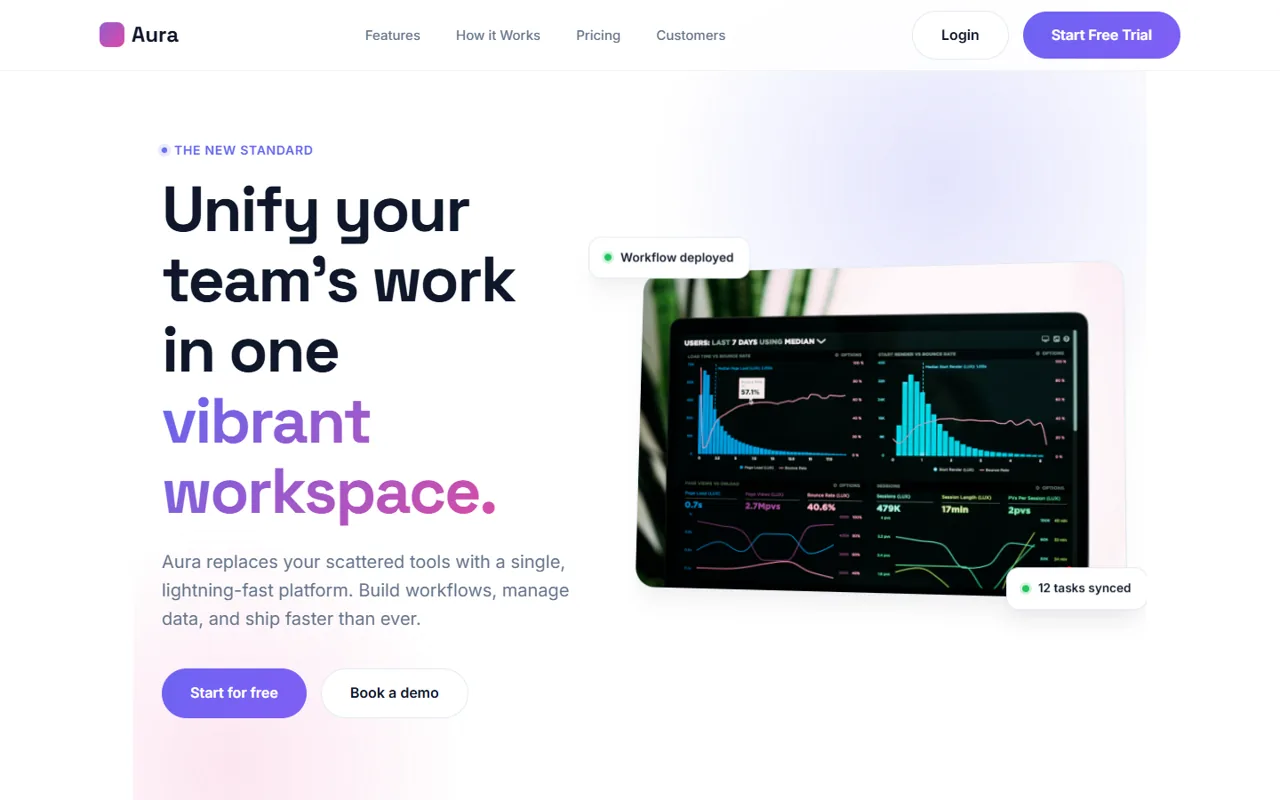
Aura Workspace
A SaaS product landing page with feature sections, pricing tables and customer stories.
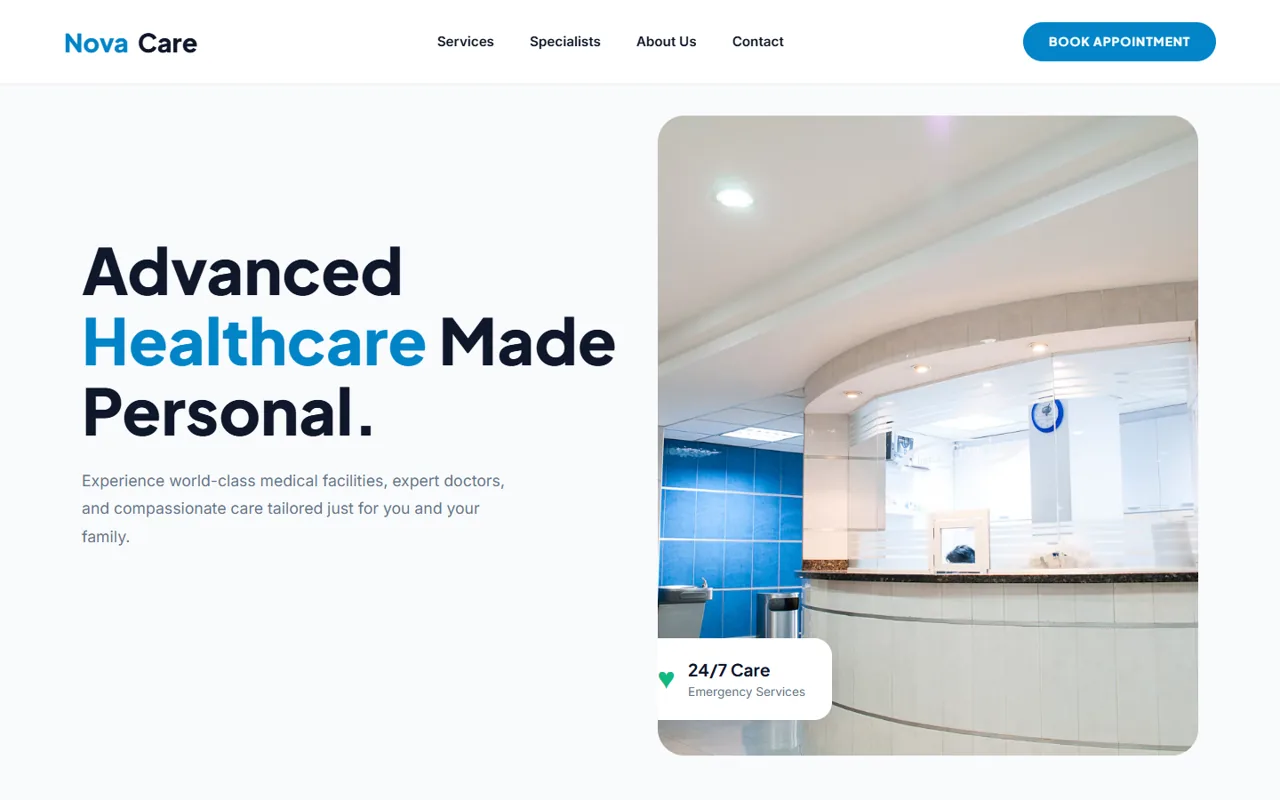
Nova Care
A calm, trustworthy clinic website with services, specialists and appointment booking.
Questions, answered.
Everything you need to know before we start. Can’t find your answer? Send me a message.
What do I get at the end of a UI/UX design project?
You receive an organized Figma file with every approved screen in desktop and mobile sizes, a clickable prototype, and a component library with colors, type styles, buttons and forms. Depending on the package, you also get design tokens, exported icons and images, and short notes explaining interactions. Everything is named clearly, so your developer, or I, can build it without guessing. You own the files fully once the project is complete and can reuse them for future pages.
Do you design in Figma?
Yes. Figma is my main design tool for websites, apps and dashboards. It lets you view the work in your browser, leave comments directly on screens and test clickable prototypes on your phone, with nothing to install. I use auto layout, variables and shared components so the file stays tidy and easy to extend. If your team works in another tool, I can export assets and specs in the formats your developers prefer.
Can you also develop the design?
Yes, and that is one of the main reasons clients hire me. As a UI UX designer in Pakistan who is also a full-stack web developer, I can turn the approved design into a live WordPress or Elementor website, a WooCommerce store or a Flutter mobile app. Keeping design and development with one person removes handoff problems, protects the details you approved and usually makes the whole project faster and smoother to manage.
How many revisions are included?
Each package includes set revision rounds at the wireframe stage and at the visual design stage, so feedback is collected while changes are still easy. A revision round means you gather all comments, I apply them together, and we review again. Small tweaks like text edits or color adjustments are always handled along the way. If your direction changes significantly mid-project, we simply agree on the extra work in writing before continuing.
How long does a UI/UX design project take?
Timing depends on the number of screens, how complex the user flows are and how quickly feedback comes back. A small website design moves faster than a full app or dashboard with many states. After our discovery call, I share a clear schedule with milestones for wireframes, visual design, prototype and handoff, so you always know what is coming next. Quick, consolidated feedback is the biggest factor in keeping a project on track.
How do I hire a good UI UX designer in Pakistan for a remote project?
Look for someone who shows real case work, explains the reasoning behind design decisions and asks about your users before talking about colors. Ask whether they deliver organized Figma files and prototypes, and whether they understand how designs are built in code. Working with a UI UX designer in Pakistan gives you strong value and overlapping hours with clients in the UK, Europe and the Middle East, while clear written updates keep USA projects moving smoothly.
Have an idea that needs a face? Let’s design it.
Tell me about your project and get a free consultation, timeline and fixed quote within 24 hours.
- hello@nowdigiverse.com
- Remote · Worldwide clients
- Reply within 24 hours